🌱Development plan (IDP)🎯Improvement plan (PIP)🧩Job profile📈HR strategy
Fill the document
An IDP, a PIP, a job profile or the HR strategy — section by section, with prompts and autosave.

Make an IDP, a PIP, a job profile or the HR strategy in PapaHR and send it for signing: the employee, the manager and HR read it and sign with a code from the email. Every signature keeps the time and IP, the copy keeps its SHA-256 fingerprint. Up to 5 HR documents free.
Nothing to upload or print: the document is made and signed in PapaHR.
An IDP, a PIP, a job profile or the HR strategy — section by section, with prompts and autosave.
PapaHR suggests the employee, the manager and HR; add a colleague or a guest by email. Each gets a personal link.
SHA-256 · c602ee1c486a…919c19
The signer reads, ticks «I have read», gets a 6-digit code and signs. HR signs right in PapaHR.
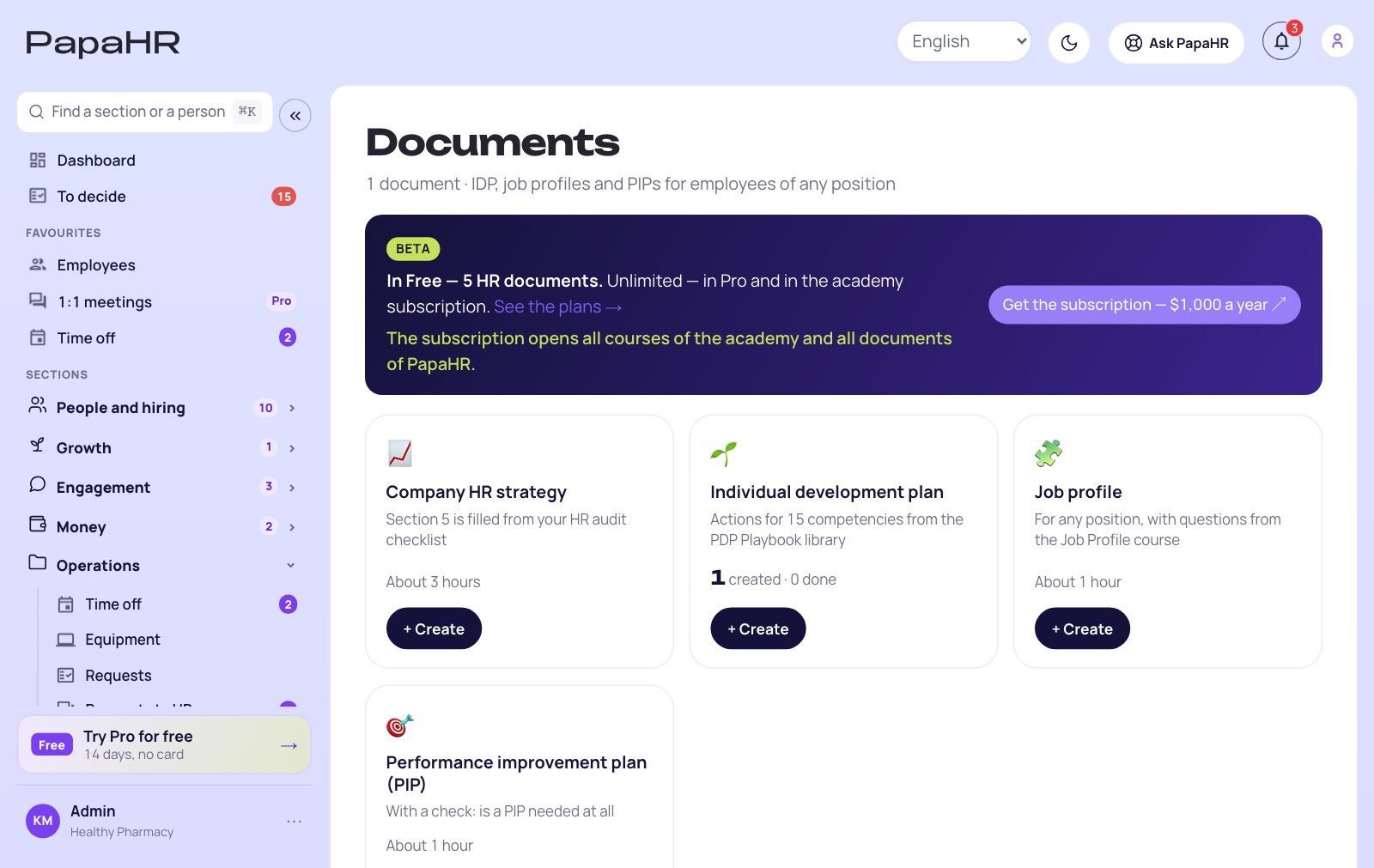
Real screens of PapaHR with a sample company, on the free plan. Click a section.
E-signature services sign any document and limit the free plan by documents a month. PapaHR signs the HR documents made in it.
| Service | Free plan | Price | Signs |
|---|---|---|---|
| PapaHR | Yes: up to 5 HR documents at once, no time limit | $0 · Pro: unlimited, $1.50 per employee a month | HR documents made in PapaHR |
| DocuSign | No | Personal: $11 a month on a yearly plan, 5 envelopes a month | Any documents |
| Dropbox Sign | Yes: 3 signature requests a month | Essentials: $15 a month, $10.05 a month paid yearly | Any documents |
| PandaDoc | Yes: 5 documents a month | Starter: $19 per seat a month paid yearly | Any documents |
| Adobe Acrobat Standard | No | $14.99 a month on a yearly plan, $24.99 month to month | PDFs |
The cheapest paid plan on the vendors' sites, checked on 14 November 2026. Prices change: check them on their sites.
In the free plan, with no time limit: up to 5 HR documents at once and any number of signatures.
IDP, PIP, job profile, HR strategy.
The employee, the manager, HR, a guest by email.
And in Telegram, if the person connected it.
The time, the way and the IP.
Of the copy sent for signing.
The signer can say no and why.
After 2 days, every day until signed.
The signed document from the browser.
The same steps as on the signer's page. The code is shown here instead of an email, and the fingerprint is a real SHA-256 of the text, counted in your browser. Nothing is sent.
Change one letter in the text and sign again: the fingerprint is completely different. That is how a changed copy is seen.

PapaHR is an HR platform: HR documents with signing, employee cards, time off and onboarding are free for up to 25 employees. We earn when a company grows and needs Pro, not on every signature.
Start for free$1.50 per employee a month paid yearly, at least 10 employees. No fee per document or per signature.
🎁 Pro can be turned on for 14 days for free, with no card — one button inside PapaHR.
Pricing →Yes: the free plan keeps up to 5 HR documents at once, and each can be signed by any number of people, with no time limit and no card. Delete a document you do not need, and the place is free again.
The HR documents made in PapaHR: an individual development plan, a performance improvement plan, a job profile and the HR strategy. Uploading your own PDF, a contract or an offer letter for signing is not possible.
They open a personal link, read the document, tick «I have read the document and agree with it» and get a 6-digit code by email (and in Telegram, if connected). The code works 30 minutes. HR signs right in PapaHR.
Each signature keeps the date and time, the way (by the code or in PapaHR) and the IP. The copy sent for signing is frozen with its SHA-256 fingerprint. It is a simple electronic signature: whether it is enough for a document is decided by the law of your country.
Signing stops: the signatures belong to the old version. Send the new version, and people sign it again.
They sign any document and limit the free plan by documents a month. PapaHR signs the HR documents made in it, and the plan, the people and the signatures stay together in the employee's file.
Sign up, make the first IDP and send it for signing.
Start for free →