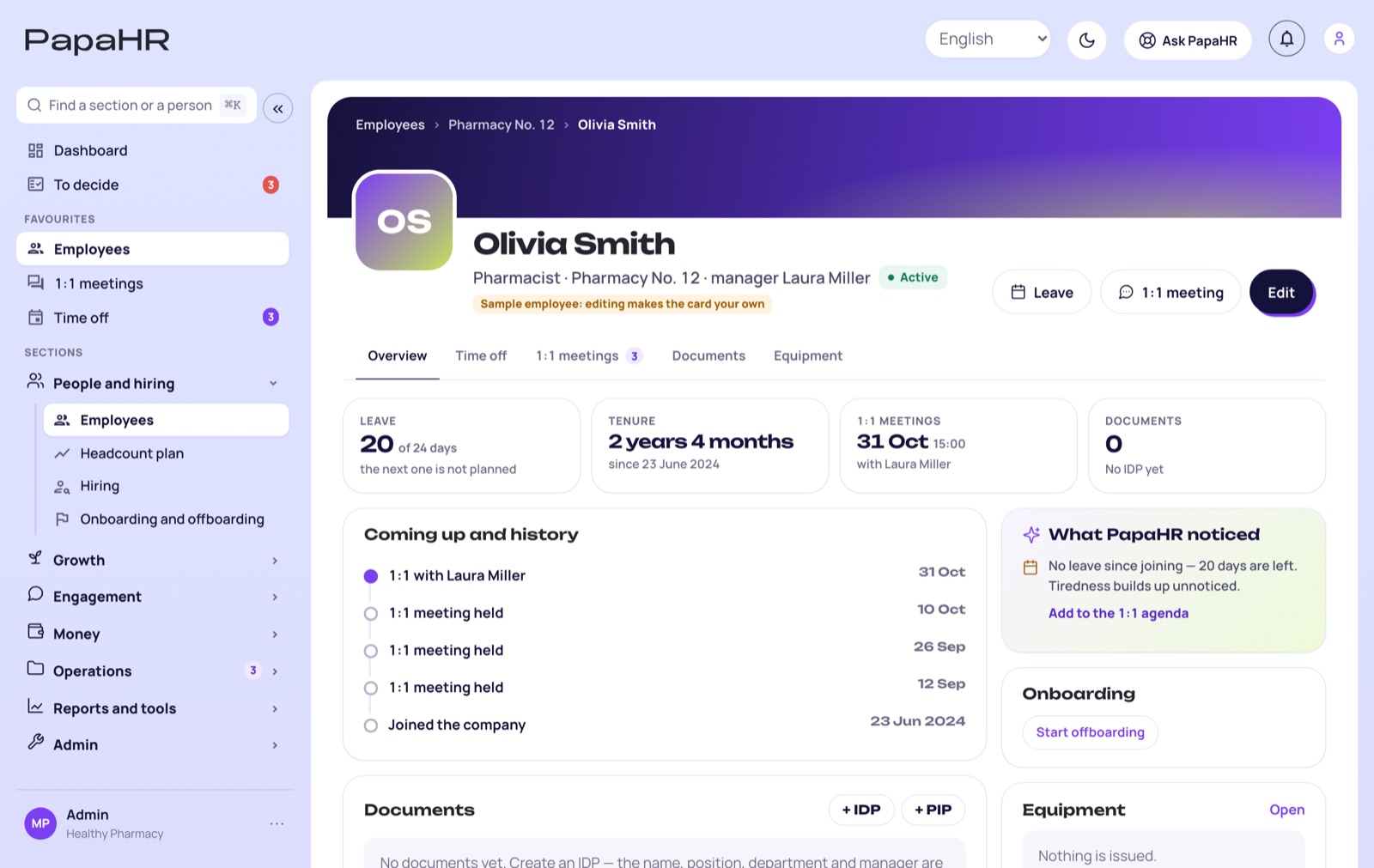
Every big release with its date and what came out. New modules come to every company at no extra cost — the price stays the same.
11big releases
250+updates since 16 October
5 Novemberthe latest release
🔐
Release 11NEW
Trust and access
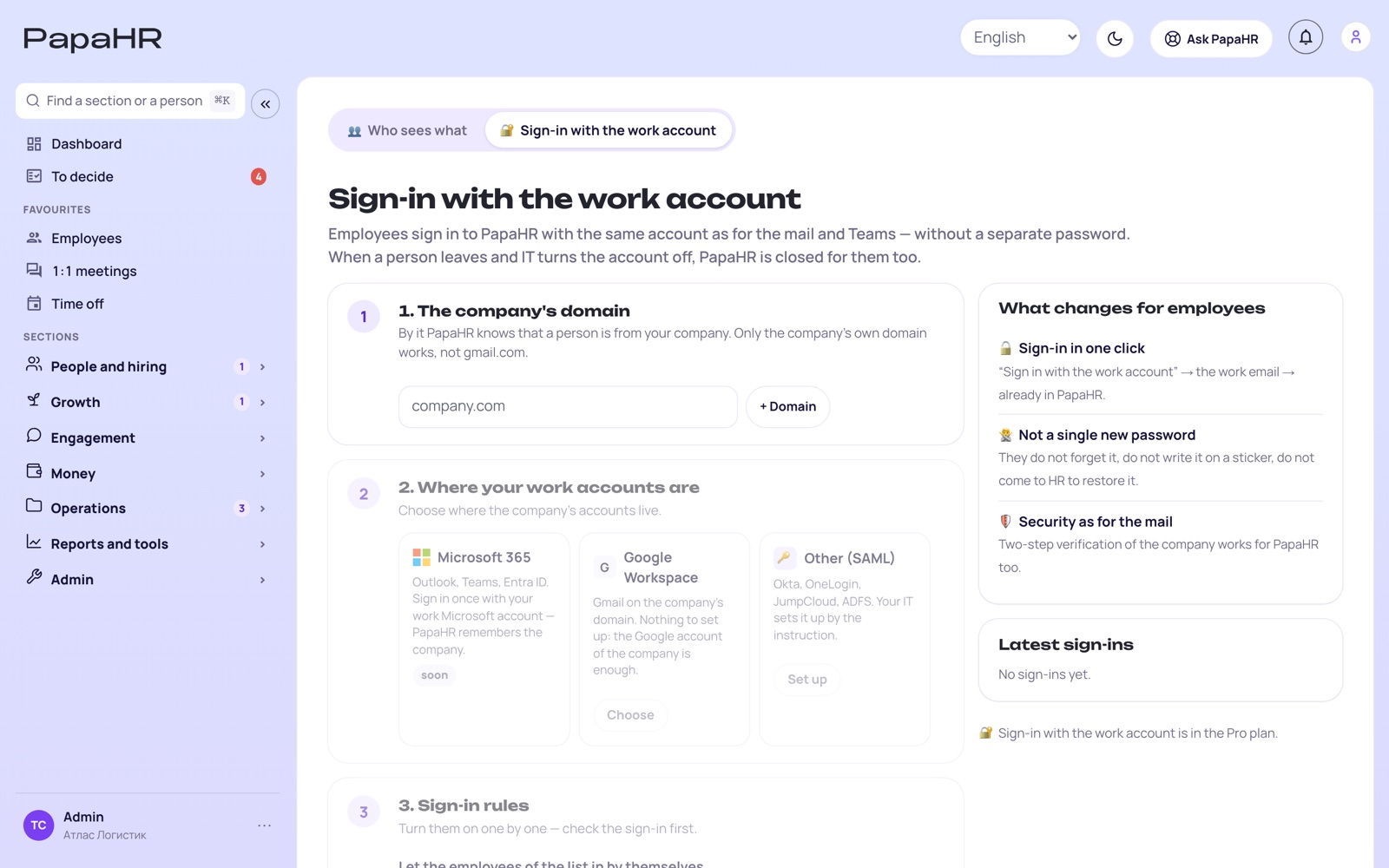
PapaHR is ready for companies where IT has rules: sign-in with the work account, an open API, a log of who did what, and documents under your own brand.
What came out
🔑
Sign-in with the work account Pro
Employees sign in with the account of their work email — Microsoft 365, Google Workspace or Okta, OneLogin and others by SAML. No new passwords; a person who leaves loses access at once.
🔌
Open API and webhooks Pro
Connect PapaHR to your other programs: employees, departments, time off, the timesheet, vacancies and candidates. HR creates a key in three questions, a developer gets the documentation.
Who opened salaries, changed pay, exported data to Excel, changed access or deleted something. An export of salaries at night or from a new device is marked “unusual”.
🏢
Company profile and logo
The logo and the legal name go by themselves into HR documents, signature pages, vacancies and the careers page.
⚙️
Settings in one place
“My account” for everyone — notifications, Telegram, password, devices, language and theme; “Company” — everything the owner sets up, on one page.
🎁
Pro for 14 days for free
A company on Free turns on Pro with one button, no card. Once more for 14 days — or back to Free, the data stays.
Each goal and competency in a review gets the facts of the period: cases, key results, 1:1 agreements, thanks. A criterion without facts is marked as a gap in the data.
🤝
Small things that save time
An employee sets their own photo, colleagues support ideas with 👍, duplicate candidates merge in one click, letters to candidates come in the name of your company.
⏱
Release 10
Clock-in and the offer
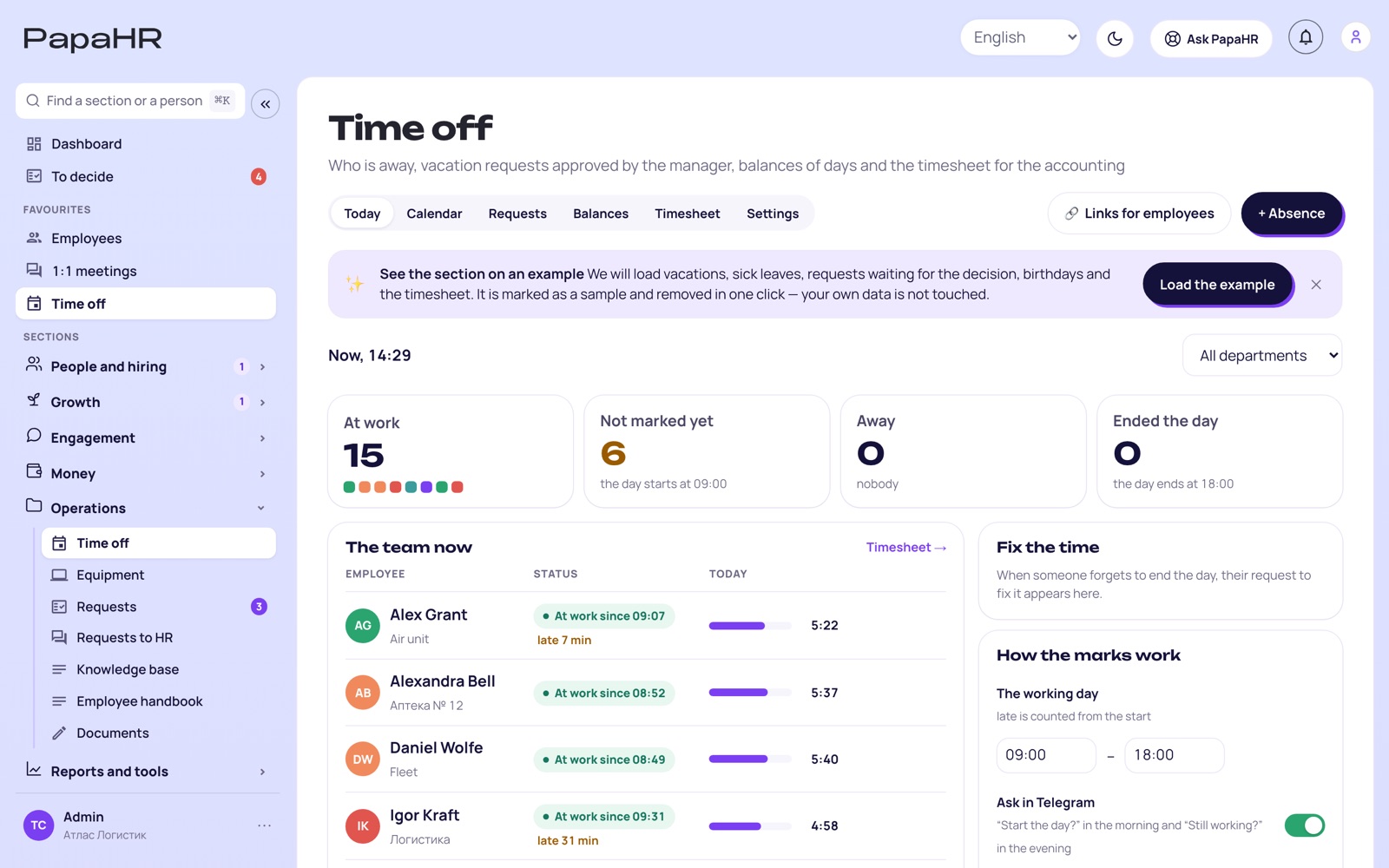
Who is at work today — without calls and spreadsheets. And the offer to a candidate becomes a record with terms, a check and a personal letter.
What came out
⏱
Clock-in: “Start the day”
An employee marks the start, a break and the end of the day with one button in PapaHR or in Telegram. HR sees on the “Today” tab who is at work, who is late and who has not marked yet. No geolocation and no photos — off by default.
✉️
The offer as a record Pro
Salary, start date, probation and terms. PapaHR warns if the salary is above the range of the vacancy; the AI writes a personal letter; the answer of the candidate is recorded.
🧭
Improvement plan (PIP) with the AI Pro
A PIP draft only on recorded facts: SMART goals, support, five meetings by dates. No facts of low results — no plan.
🤝
Mentor matching Pro
Employees offer themselves as mentors in their cabinet; HR picks a pair, PapaHR shows who fits and why.
🙋
Drafts of answers to employees
The draft shows which knowledge base articles it is based on. Sensitive requests — conflicts, health, discrimination — go to a person, not to the AI.
🧰
10 free tools on the site
The turnover calculator, an offer letter, a job ad check, an interview scorecard, a RACI matrix, KPIs, a 30-60-90 plan and more — without signing up.
PapaHR finds reasons to thank in the records — a goal done, a newcomer helped. The AI suggests a draft, a person sends it.
📣
The feed for departments
News and polls for chosen departments or only for managers; a poll can show who answered what.
🏷
Companies on the home page
A line of logos of companies whose people already work in PapaHR.
✨
Release 8
AI for HR
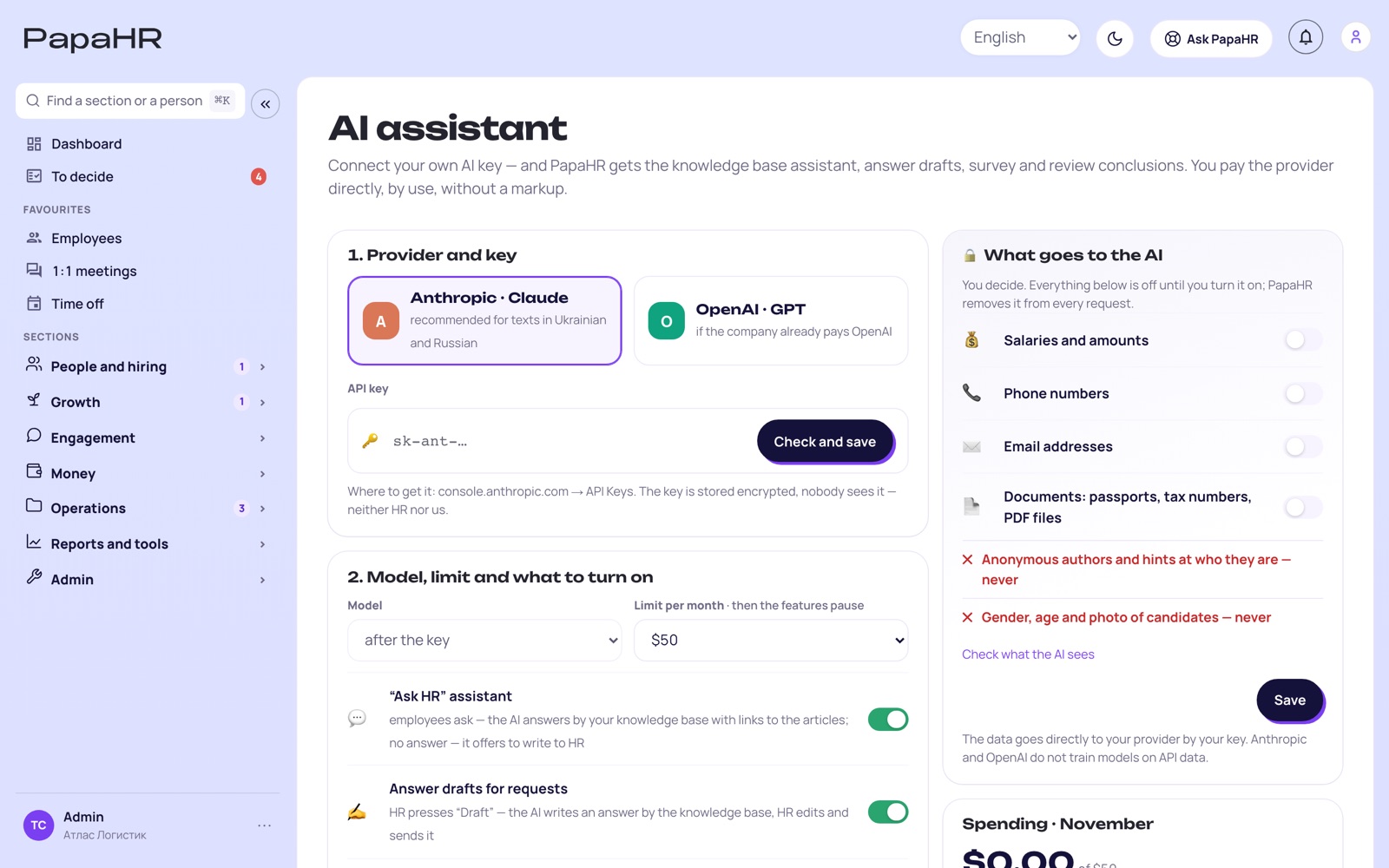
The AI writes drafts in every section, and the company decides what data goes to it. Decisions about people are always made by people. Works with the company’s own key of Anthropic or OpenAI — you pay the provider directly, without a markup.
What came out
🛡
The company decides what goes to the AI
Switches for salaries, phones, emails and documents — off by default. The “What the AI sees” screen shows the data before it is sent. Names of employees are not sent.
✍️
Drafts in a minute Pro
Role profiles, vacancy texts, process plans, learning materials and answers by the knowledge base.
🧑💼
The AI in hiring Pro
A summary of a candidate and the preparation for an interview; search of the candidate base by the words of CVs, scorecards and notes.
📊
The AI analyst of HR numbers Pro
“The main of the month” in HR reports, questions to the AI about the numbers and a note for the director.
🌱
Development and goals Pro
An onboarding plan for the position, an IDP draft from the review and the 360°, a goal made measurable in one click.
💬
1:1 meetings Pro
Topics before the meeting and the agreements from the notes after it.
🎓
Company courses Pro
Your own courses from your articles: text, video, tasks and questions; employees take them in their cabinet.
📄
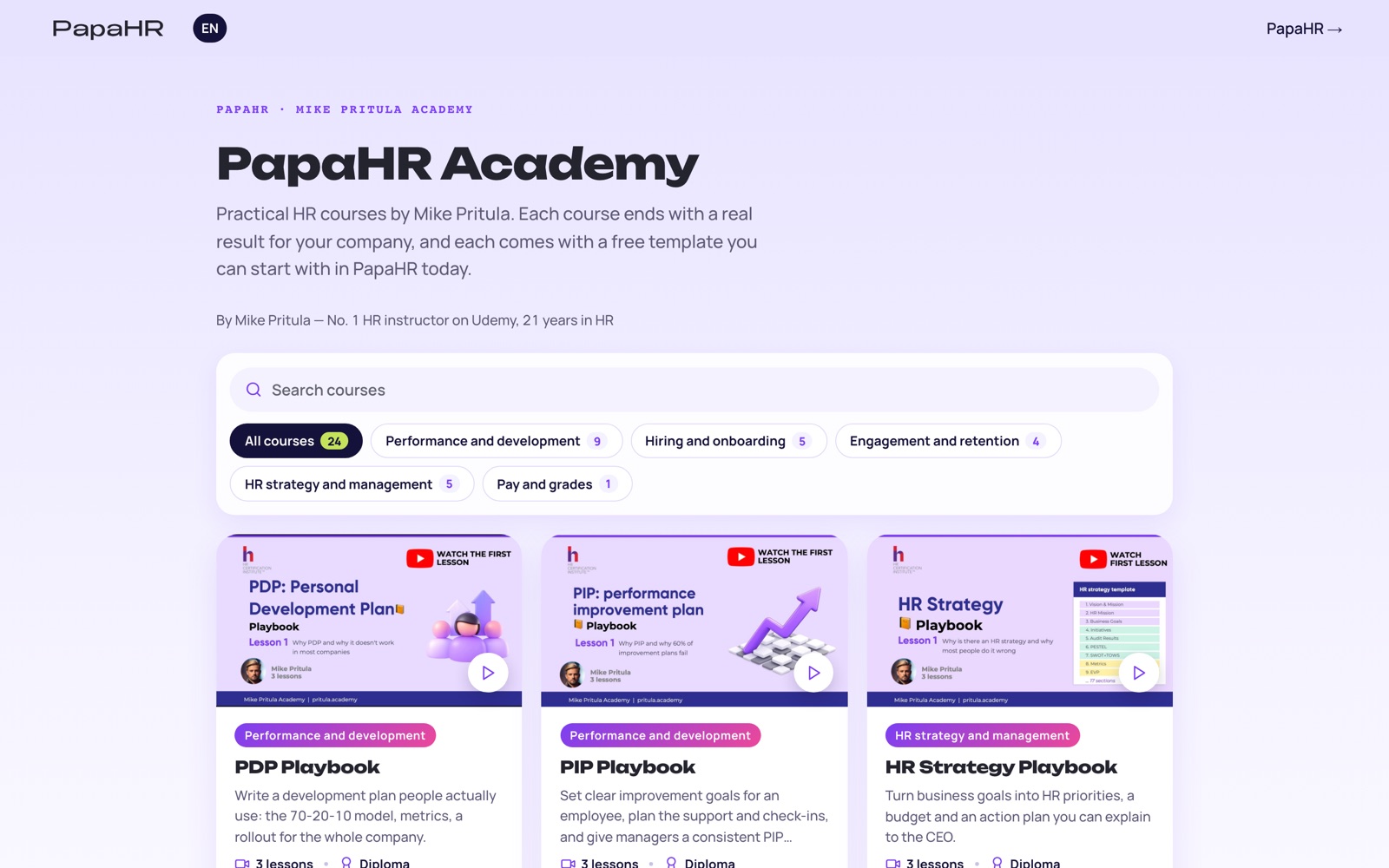
5 HR documents in Free
Instead of one: the HR strategy, IDP, job profile and PIP by academy templates.