
A PeopleForce alternative for small business
PeopleForce is a strong HR system with separate products for hiring, reviews and surveys. But you pay for at least 50 employees, even if you are 15. PapaHR is free up to 25 employees, then $1.50 per employee a month — with 1:1s, reviews and goals at no extra cost.
No card, no demo. PeopleForce prices are from peopleforce.io/pricing as of Oct 27, 2026.
What a month costs
Paying for a year, before taxes. PapaHR prices are from our pricing page.
PapaHR Free vs the 50-employee minimum of PeopleForce Standard
PapaHR Pro vs PeopleForce Standard + Perform for 50 employees
PapaHR and PeopleForce: what is included
| PapaHR | PeopleForce | |
|---|---|---|
| Free plan | ✓ up to 25 employees, no time limit | — 14-day trial after a demo |
| Core HR price | $1.50 per employee a month paid yearly, $1.80 monthly | $2.50 (Standard) or $3 (Professional) per employee a month, −20% yearly |
| Minimum bill | for 10 employees | for 50 employees |
| 1:1s, reviews, OKR | ✓ in Pro | separate product Perform: +$1 per employee, also from 50 |
| Hiring (ATS) | ✓ in Pro | separate product Recruit: $30 per recruiter seat |
| Surveys and eNPS | ✓ in Free | separate product Pulse: +$0.50 per employee |
| Time tracking (clock in and out) | — | ✓ product Time: +$0.50 per employee |
| SAML SSO, open API | — | ✓ on Professional |
| HR methods and templates | ✓ Mike Pritula Academy built in | — |
PeopleForce prices are before taxes. Check the current prices before you decide.
Why teams switch to PapaHR
- No paying for 50 people when you are 15.
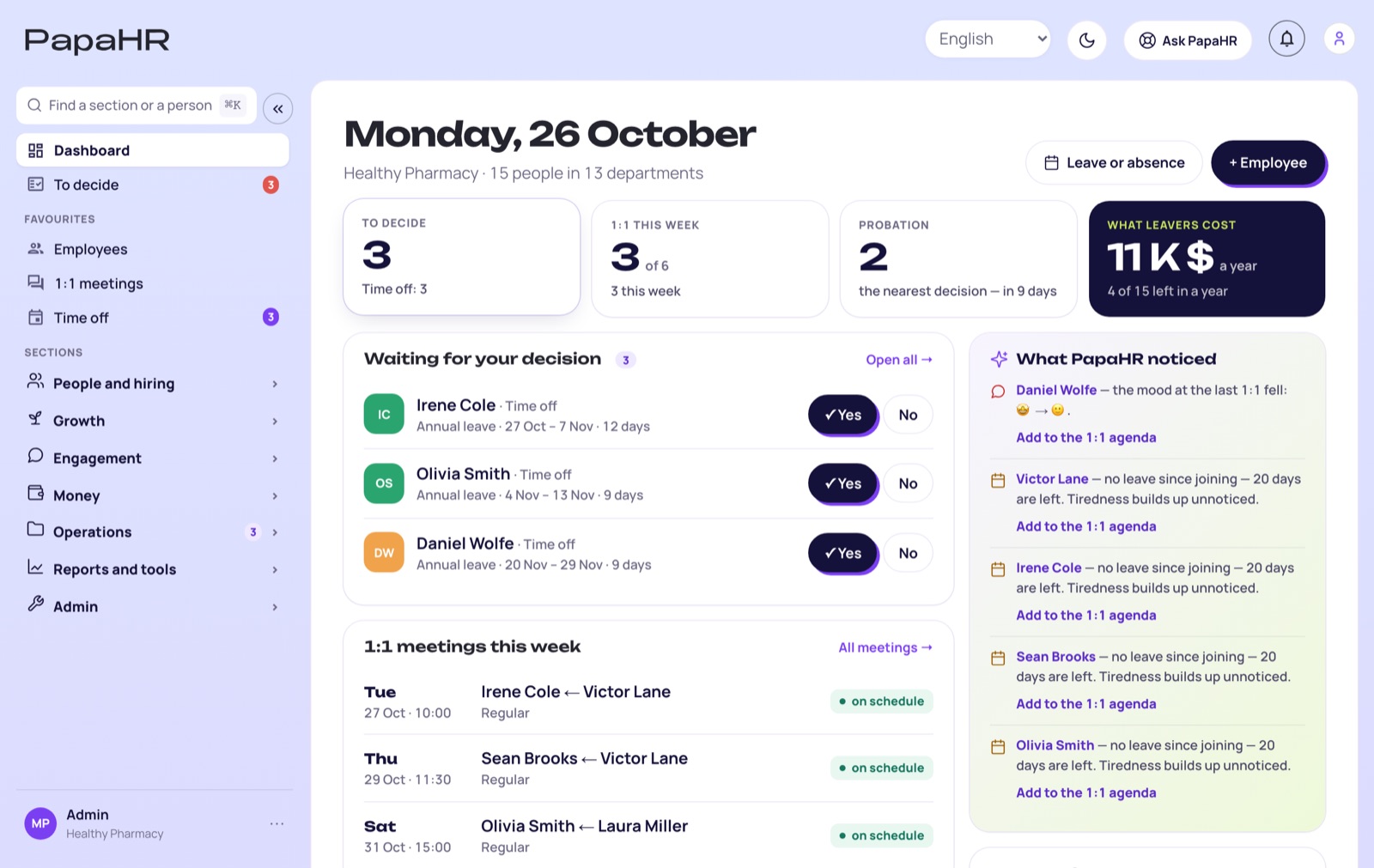
- All HR work at one price: 1:1s, reviews, goals, hiring, surveys — no separate products or add-on fees.
- Daily nudges: probation ending, a time-off request, a missed 1:1.
- Mike Pritula Academy methods built in: onboarding templates, 1:1 questions, review forms.
When PeopleForce is the better fit
If you need time tracking with clock-in, corporate SSO, an open API — or you have an HR team of several people with their own processes. PapaHR is made for companies where HR is one person or the manager.
How to switch
- Export your employee list from PeopleForce to Excel.
- Upload the file to PapaHR — profiles, departments and managers appear by themselves.
- Invite managers: they approve time off and run 1:1s.
Questions
Is PapaHR cheaper than PeopleForce?
Yes: free up to 25 employees, then $1.50 per employee a month vs $2 for PeopleForce Standard (both paid yearly), and no 50-employee minimum.
Can I move my data?
Yes, through Excel: export your employee list and upload it to PapaHR.
Which languages?
English, Ukrainian, Russian, Portuguese and Spanish.
What does PapaHR not have?
Time tracking with clock-in, SAML SSO and an open REST API. If you need them, choose PeopleForce.
Try it with your team
Free up to 25 employees, no card and no demo — your first time-off request can go through PapaHR today.