I am HR
I lead a team✓
Say you are a manager
After the sign-up pick “I lead a team”. PapaHR shows what a manager needs, not an HR department.

One message to the team chat — and people join without passwords, see their leave days and ask for time off from the phone. You approve in one tap. Free up to 25 people.
You add nobody by hand, and nobody has to install anything.
After the sign-up pick “I lead a team”. PapaHR shows what a manager needs, not an HR department.
A ready text with a link goes to your team chat. Everyone joins without a password, and their card appears by itself.
A person asks for time off in two taps. The request comes to you in PapaHR, Telegram or email — with an “Approve” button.
These are real screens of PapaHR with the sample company: the manager’s phone and the schedule of the team. Tap a section.
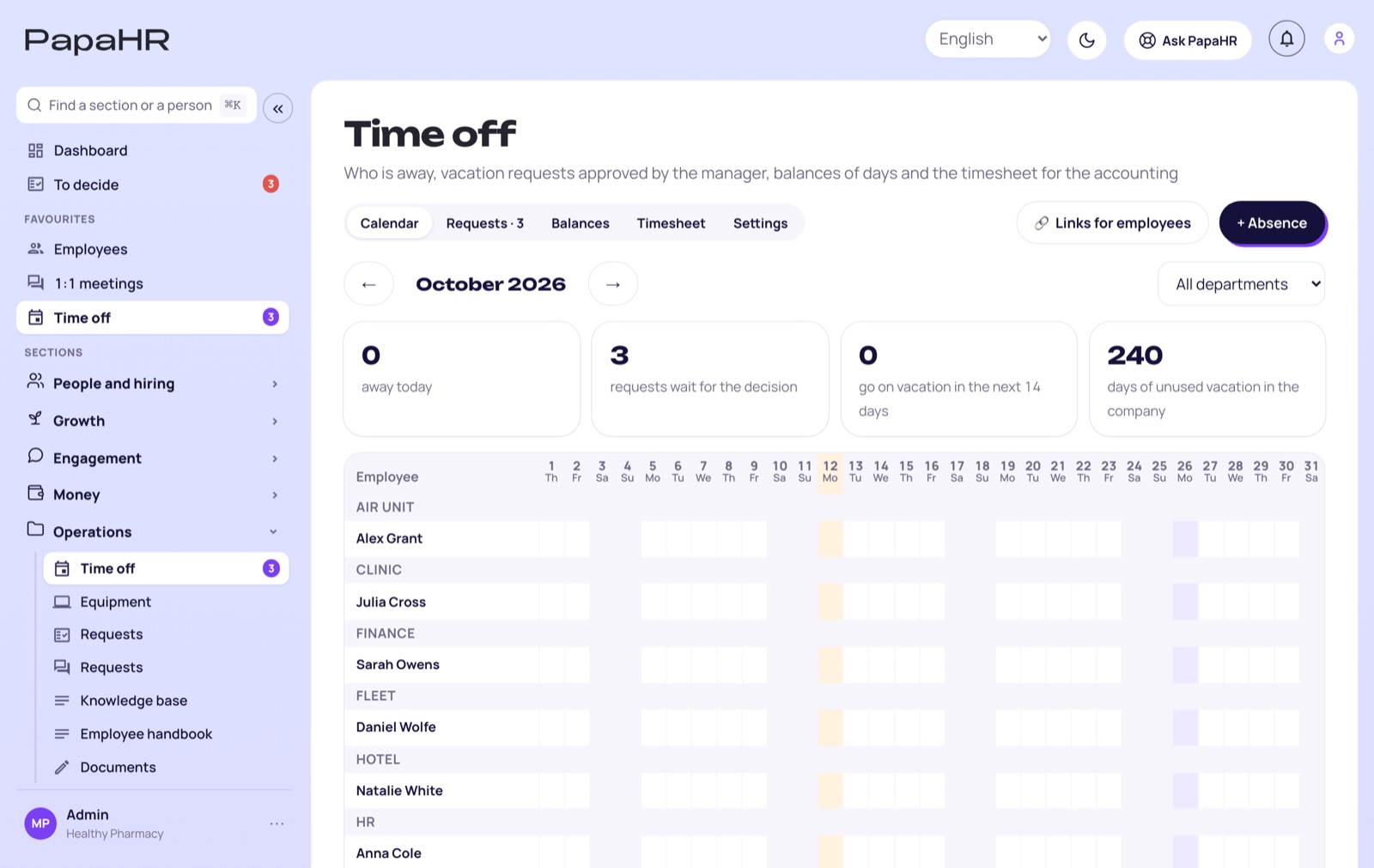
No time limit and no card. It is enough for a team to stop living in chats and spreadsheets.
Who is away when, and who covers for whom.
In PapaHR, in Telegram or in an email.
Counted automatically; an employee sees their own.
People fill them in themselves when they join.
Start and end of the day with one button, a monthly timesheet.
A 30-60-90 day plan from a ready template.
Thanks that the whole team sees.
Departments and managers on one chart.

A usual HR system is set up by the HR department, and the team learns about it from an announcement. PapaHR works the other way round: the manager calls the team in with one message, and the cards appear by themselves as people join. When the company gets an HR person or other managers join, you invite them to the same account — the data stays.
Start it for your teamPro opens every module of PapaHR and costs $1.50 per employee a month billed yearly, for at least 10 employees.
🎁 Pro turns on for 14 days free, no card.
Pricing →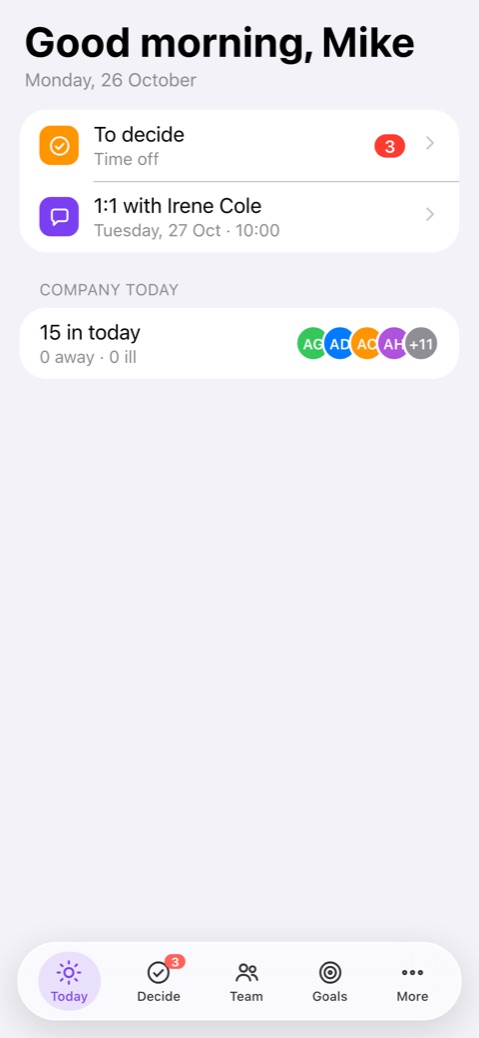
a month paying for a year
a month paying monthly
In Pro you pay for at least 10 employees.Yes. Pick “I lead a team” on the first screen: PapaHR shows what a manager needs and offers to call the team in with one message.
Yes, up to 25 people, no card and no time limit. One-on-ones, goals and reviews are in Pro: $1.50 per employee a month billed yearly.
No. A person opens the link from the chat and signs in without a password, from a phone or a computer.
Yes. PapaHR can be started for a department or a project. Later you can invite HR and other managers to the same account.
In PapaHR, in Telegram or in an email — the request comes with an “Approve” button.
Sign up, send one message to the team chat — and the first time off request comes to you for approval.
Start it for your team →