
Employee turnover calculator
Enter your headcount and how many people left — the calculator shows the turnover rate and roughly what it costs the company.
The turnover report is free in Free: PapaHR counts it from the employee cards.
- Pick the period and enter the headcount at its start and end.
- Enter how many left by choice and how many by the company’s decision.
- Add the average salary — you will see what turnover costs in money.
Calculate your turnover
Enter the headcount and the number of leavers.
The cost is an estimate: hiring, onboarding and lost time. Set the replacement multiplier yourself. Your numbers do not leave this page.
Average headcount: () ÷ 2 = .
 Course on this topic
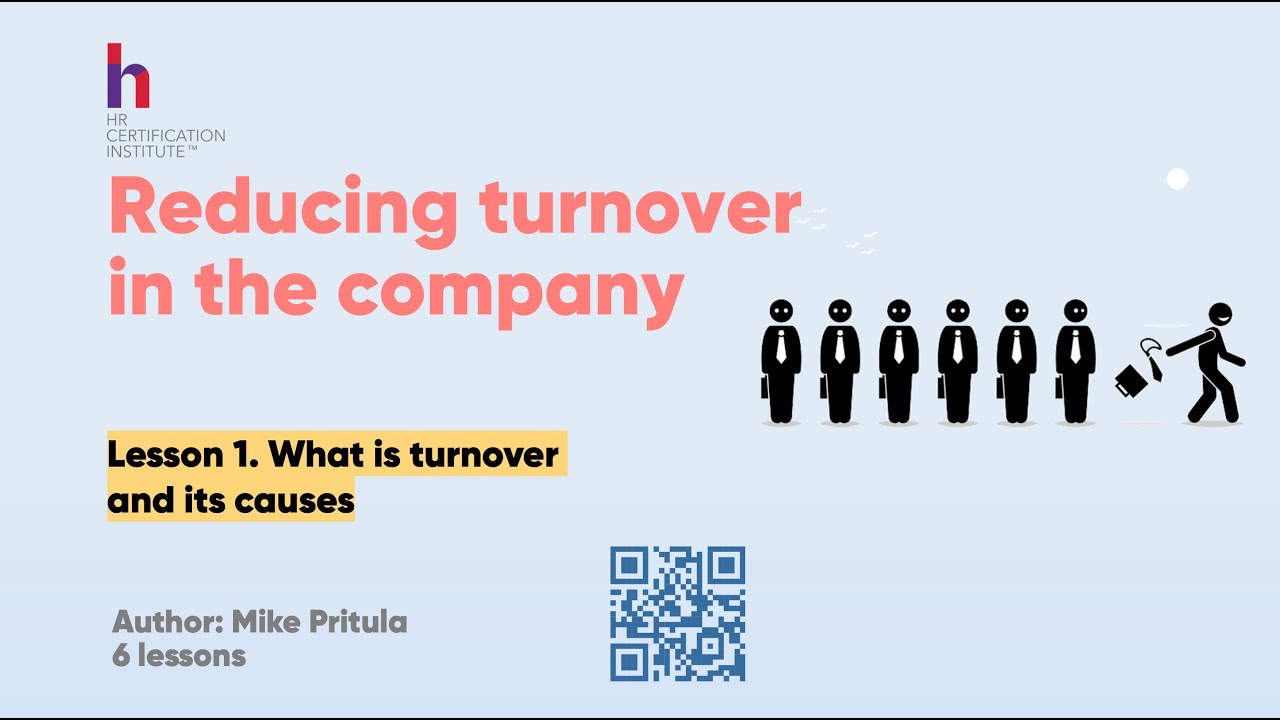
Employee Retention Course — Reducing Turnover
Measure who leaves and why, calculate the cost for your company and prepare a retention programme with actions and review points.
$350Open the course →
Why the cost is an estimate
It covers search and hiring, the time a new person needs to get up to speed and the work nobody did while the seat was empty. Only your company knows the exact amount, so you set the multiplier here.
Early turnover
Exits in the first 90 days usually point to a hiring or onboarding problem: check the job profile and the onboarding plan. PapaHR shows these exits separately.
Questions
How do I count the average headcount?
Simply: (start + end) ÷ 2. For a year the average of the months is more accurate.
What turnover is normal?
It depends on the industry and the roles: frontline turnover is many times higher than in an office. Compare yourself with yourself month by month and look at who leaves.
What does it cost in PapaHR?
The turnover report is free in Free for up to 25 employees.
Turnover that counts itself
Sign up for free: PapaHR counts turnover and its reasons from the employee cards.
Other free templates
- Free HR system
- Onboarding plan template
- Offboarding checklist
- Time off tracker
- Org chart
- 1:1 meeting template
- Performance review template
- eNPS survey
- Exit interview questions
- IDP template
- PIP template
- Job profile
- OKR examples
- 360 feedback questionnaire
- Offer letter template
- 30-60-90 day plan
- Job posting template
- ATS for small business
- Engagement survey
- Interview scorecard
- RACI matrix
- KPI template
- Employee handbook
- HR system instead of Excel
- PapaHR in Claude and ChatGPT
- About PapaHR