
When Excel is no longer enough for HR
A spreadsheet works while you have 10 people. After that, time off, probation end dates and the latest version of the file get lost in it. PapaHR imports your Excel with a preview and is free for up to 25 employees.
Free: up to 25 employees, Excel import and the HR core — free.
- Sign up and open the “Employees” section.
- Upload your Excel (xlsx, ods or csv) and check the preview.
- Employee cards, departments and managers appear in PapaHR.
What PapaHR costs your company
a month paying for a year
a month paying monthly
In Pro you pay for at least 10 employees.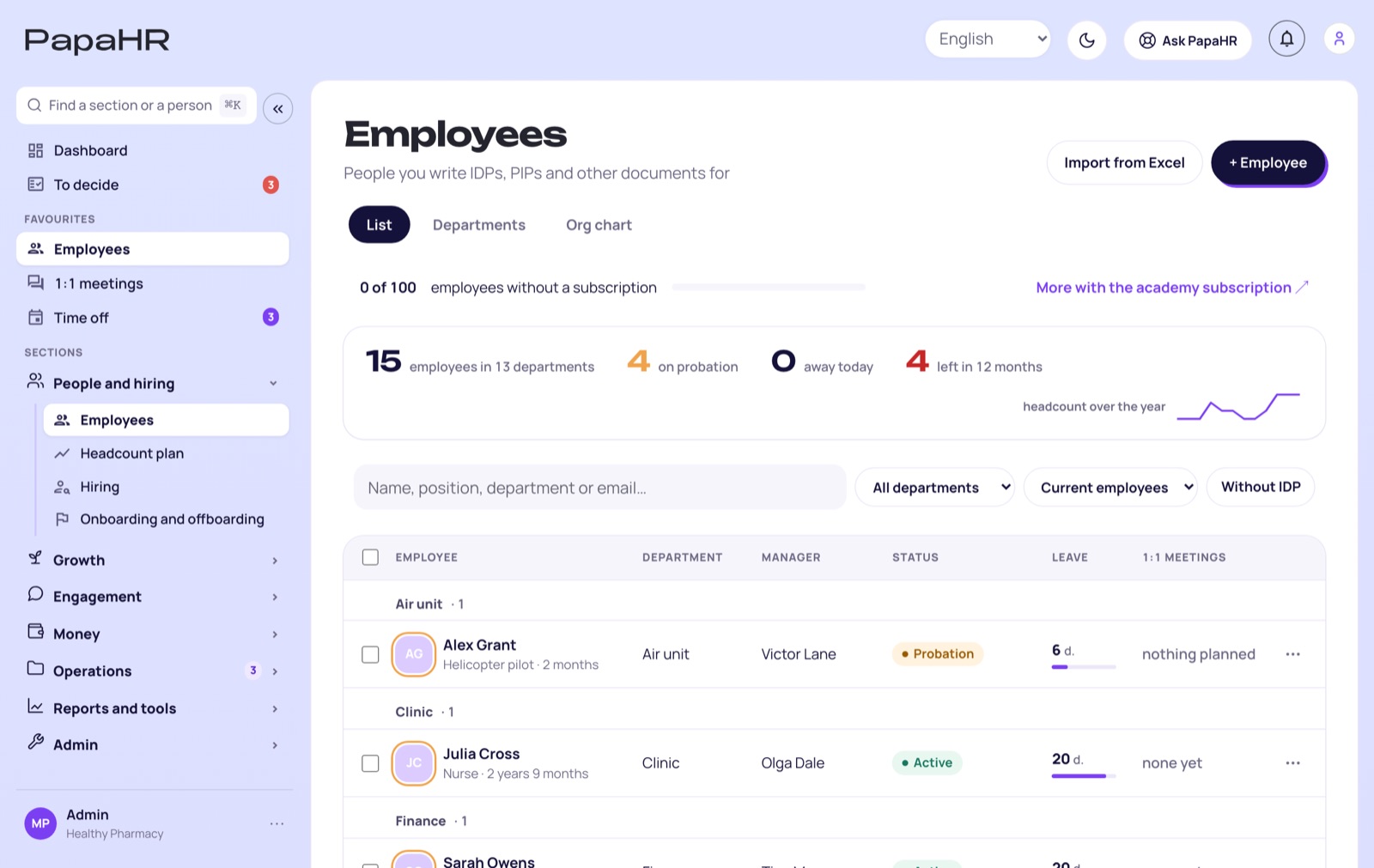
Signs the spreadsheet is already in the way
If you recognize at least two, it is time to switch:
Two signs or more — it is time to move from the spreadsheet to an HR system.
Why an HR system beats a spreadsheet
A spreadsheet stores data but reminds you of nothing. PapaHR shows what needs attention today — the end of a probation, a time-off request, a missed 1:1 meeting. A manager sees their team, an employee sees themselves, and requests are approved in one click.
How to move your data
Export the spreadsheet to xlsx, ods or csv — or just paste the rows. PapaHR shows a preview before the import, so mistakes are visible right away.
Questions
Can I upload my Excel?
Yes: xlsx, ods, csv or pasted rows, with a preview before the import.
How much does it cost?
Up to 25 employees — free, with no time limit. Beyond that — Pro: $1.50 per employee a month when paid for a year.
What if we have fewer than 10 people?
Then PapaHR is free. The minimum in Pro is 10 employees, but up to 25 people you do not need Pro for the HR core.
From a spreadsheet to a system in one evening
Sign up for free and upload your Excel.