
How to sign in to PapaHR via Telegram
Your company runs HR in PapaHR: time off, tasks, surveys, meetings with your manager. You don't need an email — you sign in through Telegram. It takes a minute.
Step 1
Open the link from HR
HR or your manager sends you a personal link in Telegram. It starts with t.me/. Tap it — a chat with the PapaHR bot opens.
⚠️ Important. The link is personal, only for you. Do not forward it to anyone.
Step 2
Press “Start”
The button is at the bottom of the chat. The bot connects your Telegram to PapaHR.
Step 3
Press “Open PapaHR”
The bot sends you a sign-in button. Tap it — your PapaHR space opens. That's it, you are in.
💡 Tip. The button works for 30 minutes and once. Missed it? Send the bot /login and it sends a new one.
Step 4
How to sign in next time
Open the chat with the PapaHR bot in Telegram and send /login — the bot sends you the sign-in button.
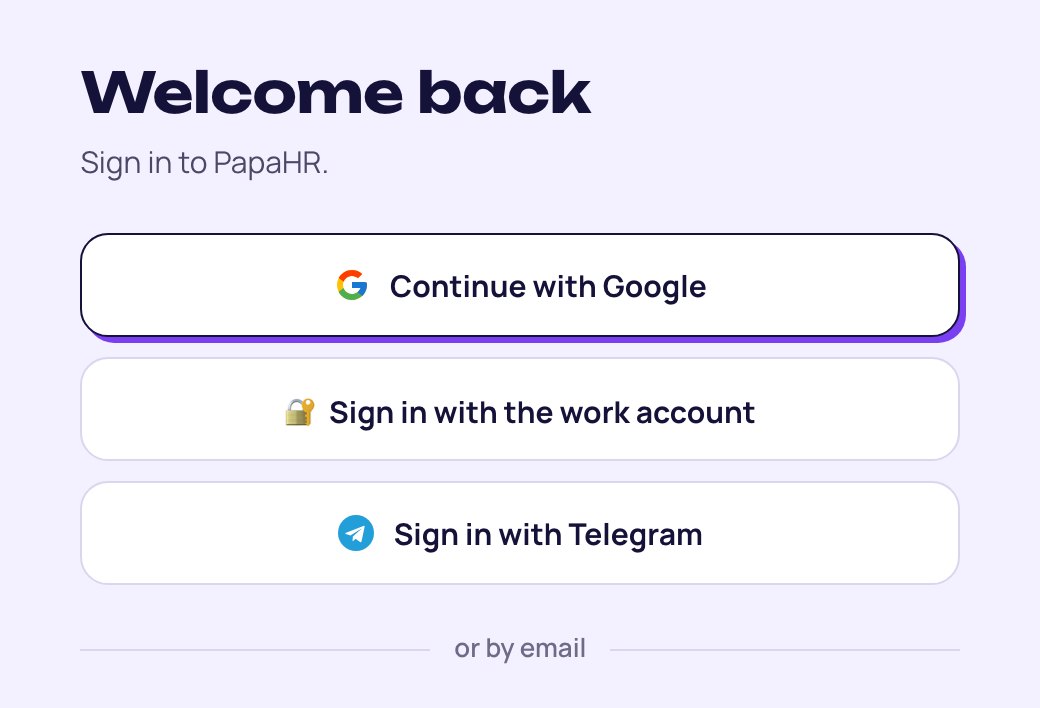
Or on papahr.com press “Sign in”, then “Sign in with Telegram”. The bot opens — press “Start” and it sends the button.
Common questions
The bot says: “This Telegram is not connected to PapaHR yet”
It means you haven't opened your personal link yet, or opened it from another Telegram account. Ask HR for a new link.
The “Open PapaHR” button does not work
It works for 30 minutes and once. Send the bot /login — it sends a new one.
What else does the bot send?
Reminders about meetings, surveys, goals and time off. Some messages you can answer right in Telegram with a button.
Can I turn the bot off?
No: it is how you sign in to PapaHR. If you want to sign in by email, ask HR to add your email.
Who sees my data?
You see only your own. Your manager sees their team. HR sees the whole company.
Can I sign in from a computer?
Yes. Press “Sign in with Telegram” on the website — Telegram opens on your computer or phone. The sign-in button opens PapaHR in the browser.
Didn't find the answer?
Write to us — we'll answer and add it to the guide.