
Employee Onboarding Course
A new employee should not have to discover every next step alone. In three recorded lessons, Mike Pritula shows how to assess onboarding, fill in a checklist and organise the people responsible for it. Prepare tasks before arrival, welcome conversations and checkpoints through the first months.
- 3 recorded lessons
- 7 templates and tools
- AI prompts for onboarding preparation
- Homework review
- Diploma
 By Mike Pritula — No. 1 HR instructor on Udemy, 21 years in HR
The job in front of you Sound familiar?
The new hire arrives before equipment, access and first meetings are ready.
HR, the manager and IT expect someone else to handle a task because responsibilities are unclear.
The first day is organised, but later check-ins and feedback depend on someone remembering them.
Management asks how onboarding is going, and you have no agreed measures or process to review.
What you will have after the course
A diagnosis of the missing steps
Use the maturity checklist to assess preparation, role clarity, manager involvement and follow-up.
A checklist for your company
Assign tasks to the relevant roles across preboarding and the first months. Prepare welcome meetings and feedback questions.
A plan for consistent onboarding
Set checkpoints, clarify responsibilities and use metrics to review the process. Build a roadmap and estimate the cost and benefit of improvements.
| Who | Task | When |
|---|---|---|
| People Partner | Schedule meetings for day 1 (HR, IT, manager) | In 3 days |
| Office Manager | Prepare the workplace (table, chair, office) | In 2 days |
| IT | Prepare equipment and access card | In 2 days |
| Manager | Select Buddy and notify them | In 5 days |
| Legal | Prepare NDA | In 3 days |
| New Employee | Choose equipment, send copies of documents | 3-5 days in advance |
Start today, for free
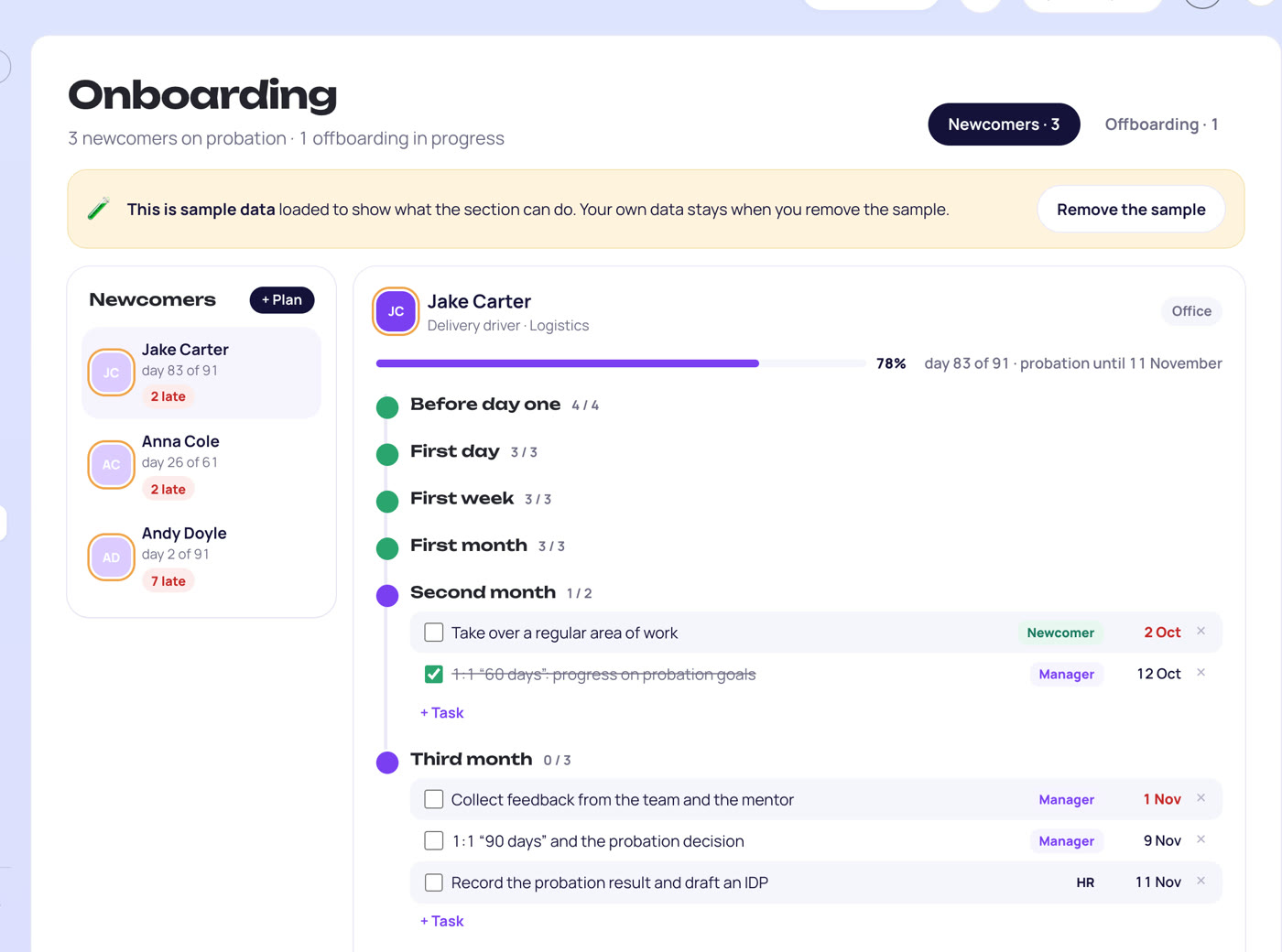
The onboarding plan template is open in PapaHR: tasks before day one, on the first day, in the first week and over three months — who does what: HR, the manager, the mentor, IT and the newcomer.
- Use onboarding plans in PapaHR to organise the steps a new employee needs to complete.
- Use checklists to keep required onboarding tasks visible as the employee joins and settles into the role.
- Keep the employee's hire date, manager and probation details in their card when preparing the onboarding plan.
Tools you get in the course
Onboarding maturity assessment
15 criteria with a 1–5 scale to identify gaps in the current process.
ExcelOnboarding checklist
A template with tasks, roles and timing across preboarding and the first months, plus a filled example.
ExcelWelcome meeting scripts
Separate structures for HR orientation and the manager's first conversation.
WordOnboarding task library
60+ tasks across documents, access, culture, training and feedback.
ExcelImplementation roadmap
A rollout template and example, with a RACI matrix for responsibilities.
ExcelOnboarding metrics dashboard
Track six KPIs, including time to productivity, 90-day retention and onboarding NPS.
ExcelOnboarding ROI calculator
Compare costs and expected benefits; includes a calculation example and a management pitch sheet.
ExcelWho this course is for
HR generalist
wants a checklist that replaces reminders and memory
People partner or HRBP
needs a consistent approach across several teams
HR director
plans an onboarding process with responsibilities and measures
Manager or team lead
needs to prepare expectations, meetings and support for a new hire
Program
Lesson 1. Assess your onboarding process
Distinguish the checklist from the wider onboarding plan. Review common mistakes and the 4C framework: compliance, clarification, culture and connection. Use the maturity assessment to identify gaps.
Result: A list of onboarding gaps to address in your checklist.
Lesson 2. Create the checklist
Work through phases, roles, tasks and timing. Adapt the template for different company sizes and working arrangements. Prepare HR and manager welcome meetings, choose tasks from the library and use AI prompts to customise the plan.
Result: A company checklist with task responsibilities and welcome conversation scripts.
Lesson 3. Put the checklist into use
Set a RACI matrix and checkpoints at days 1, 7, 30, 60 and 90. Review onboarding measures, plan the buddy process and build the implementation roadmap. Prepare an ROI calculation and a management pitch.
Result: A rollout plan with checkpoints, metrics and a case for management.
Your profile after the course
What you can add to LinkedIn and your CV — and what this work pays.
Your Name
HR Specialist · Onboarding plans and checklists
Experience
Prepared an onboarding checklist with tasks, owners and timing, welcome meeting scripts, feedback checkpoints and a company implementation plan.
Licenses & certifications
Onboarding Checklist Playbook — Mike Pritula AcademyDiploma after the course
Skills
- Employee Onboarding
- Preboarding
- Onboarding Checklists
- Manager and Buddy Roles
- Onboarding Metrics
Medians in the U.S.; pay depends on country, company and experience. * U.S. Bureau of Labor Statistics, May 2025
Your diploma after the course
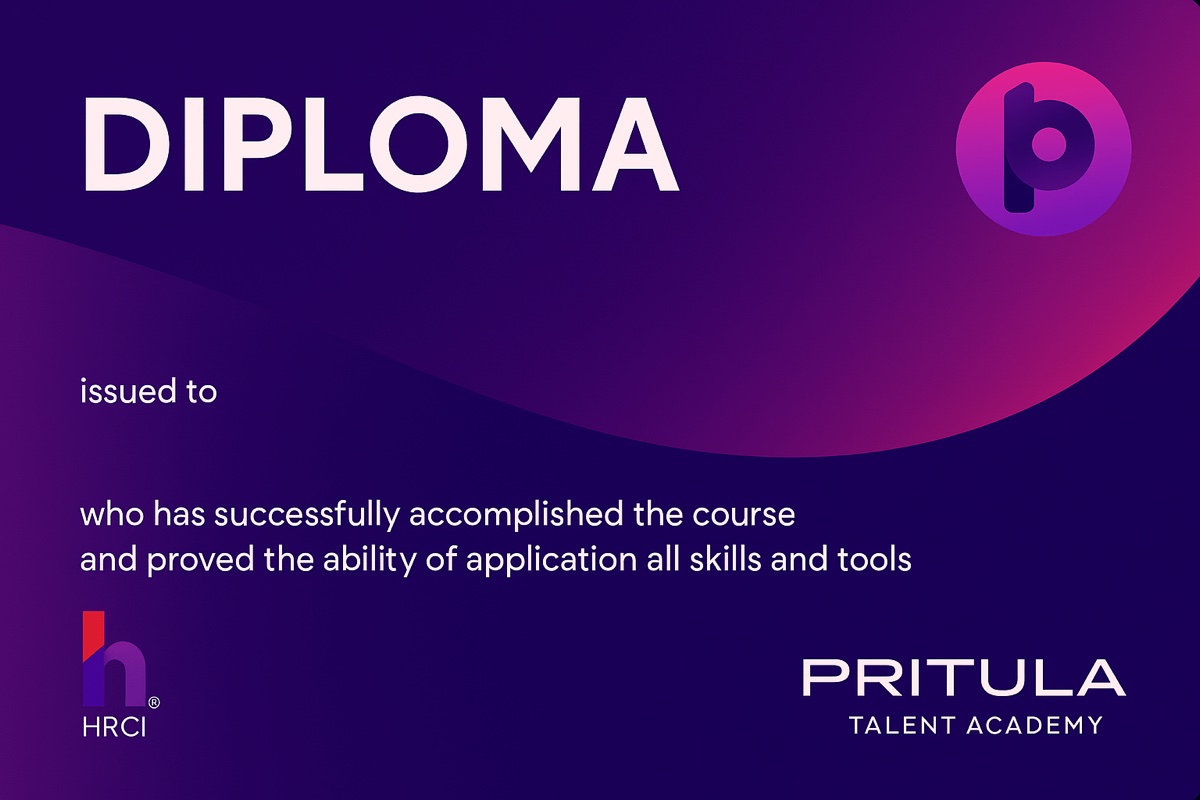
Complete the course assignments and get a personal diploma of Mike Pritula Academy.
- Add it to Licenses & certifications on LinkedIn
- Every diploma has its own unique code
- The QR code on the diploma opens its online version
- Issued on Accredible, the platform Google, Udacity and Rosetta Stone use for their certificates, so it cannot be forged
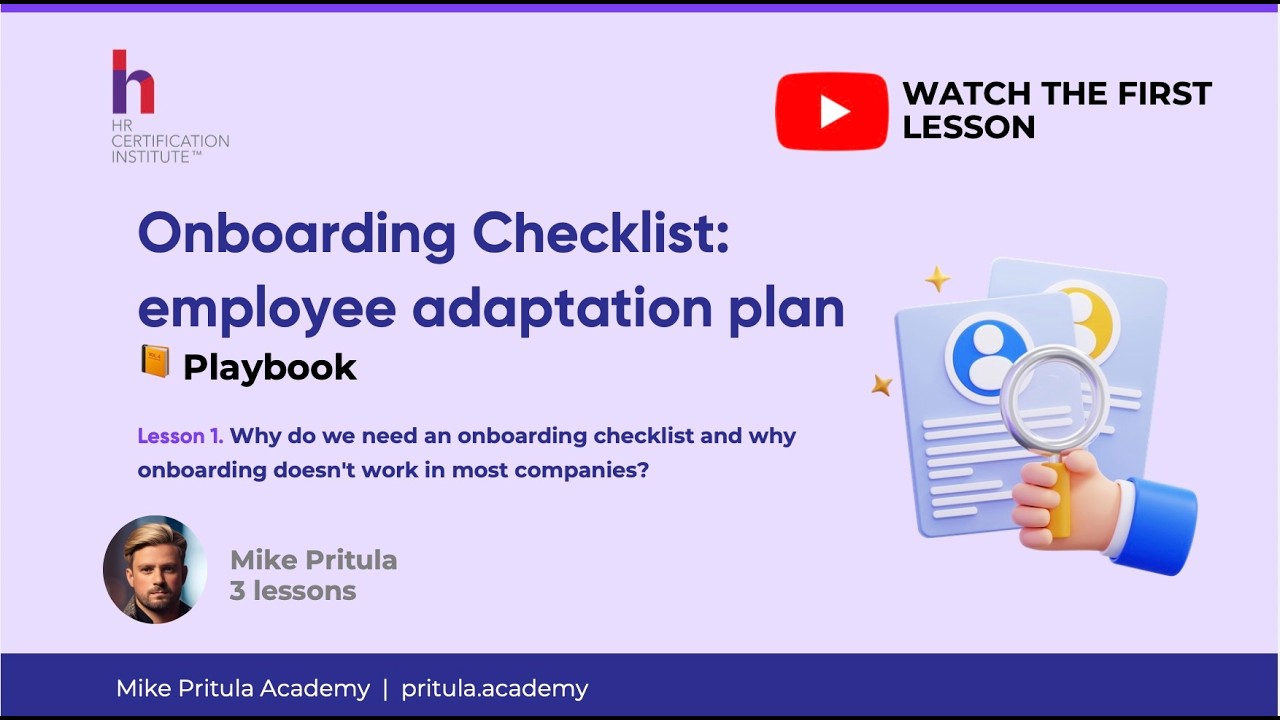
- Lesson 1. Assess your onboarding process
- Lesson 2. Create the checklist
- Lesson 3. Put the checklist into use
Learn from your phone
Recorded lessons fit into your day: on the way to work, at lunch or in the evening.
- Recorded video lessons — watch at any time
- A year of access, at your own pace
- Onboarding tools in Excel and welcome scripts in Word
- Homework reviewed, Diploma after completing the assignments
Mike Pritula
Founder of Mike Pritula Academy and PapaHR
Mike Pritula founded the academy and built PapaHR, the HR system where the templates of his courses work for real companies. The playbooks are his own HR practice, step by step.
What graduates of the academy say
Graduates of related Mike Pritula Academy courses, from the surveys they fill in when they get the diploma.
“I liked the course, and it really helped us build a new onboarding system for the company. A big plus is there’s no fluff — everything is to the point.”
Course: Employee Onboarding · Profile on LinkedIn
“As a newcomer to the field, I found literally everything useful. It was substantial, interesting and new to me.”
Course: HR Specialist · Profile on LinkedIn
“It helped me look at HR systematically — as a business function rather than a set of separate processes. What’s especially valuable is that every topic was backed by practical tools, calculations and real management cases, so I could apply it at work straight away.”
Course: HR Generalist · Profile on LinkedIn
“This course helped me become a professional HR manager. I gained a lot of knowledge and answers to many questions.”
Course: HR Manager · Profile on LinkedIn
Price
for one person, access for a year
- 3 recorded lessons
- 7 templates and tools, plus AI prompts
- Homework review
- Diploma
a year for one person
- All 150+ courses of the academy, this one included
- All playbooks, now and new ones
- Homework review and certificates
- PapaHR Pro for up to 50 employees
a year for a team of up to 10 people
- Everything in the annual subscription
- For up to 10 people of your team
- PapaHR Pro for up to 200 employees
Questions
How is a checklist different from an onboarding plan?
The checklist makes the required tasks, responsibilities and timing explicit. The course shows how it supports the wider onboarding process, including preparation, welcome meetings and feedback.
Can I use it for remote employees?
Yes. Lesson 2 covers adaptations for office and remote work, as well as different company sizes. Keep the tasks and roles that fit your situation.
How do I know whether onboarding is working?
The course's dashboard covers six KPIs, including time to productivity, 90-day retention, onboarding NPS and checklist completion. Lesson 3 explains how to read the measures and plan improvements.
Do I need PapaHR for the course?
No: the checklist and planning tools come in Excel, with welcome scripts in Word. PapaHR is free for up to 25 employees and includes onboarding and checklists.
Do I get a Diploma?
Yes, after completing the course assignments. Homework is reviewed.
What does the annual subscription give?
All 150+ courses of the academy for a year, including this one. You can study the recorded classes at your own pace. The team subscription covers up to 10 people.