
HR Automation Course
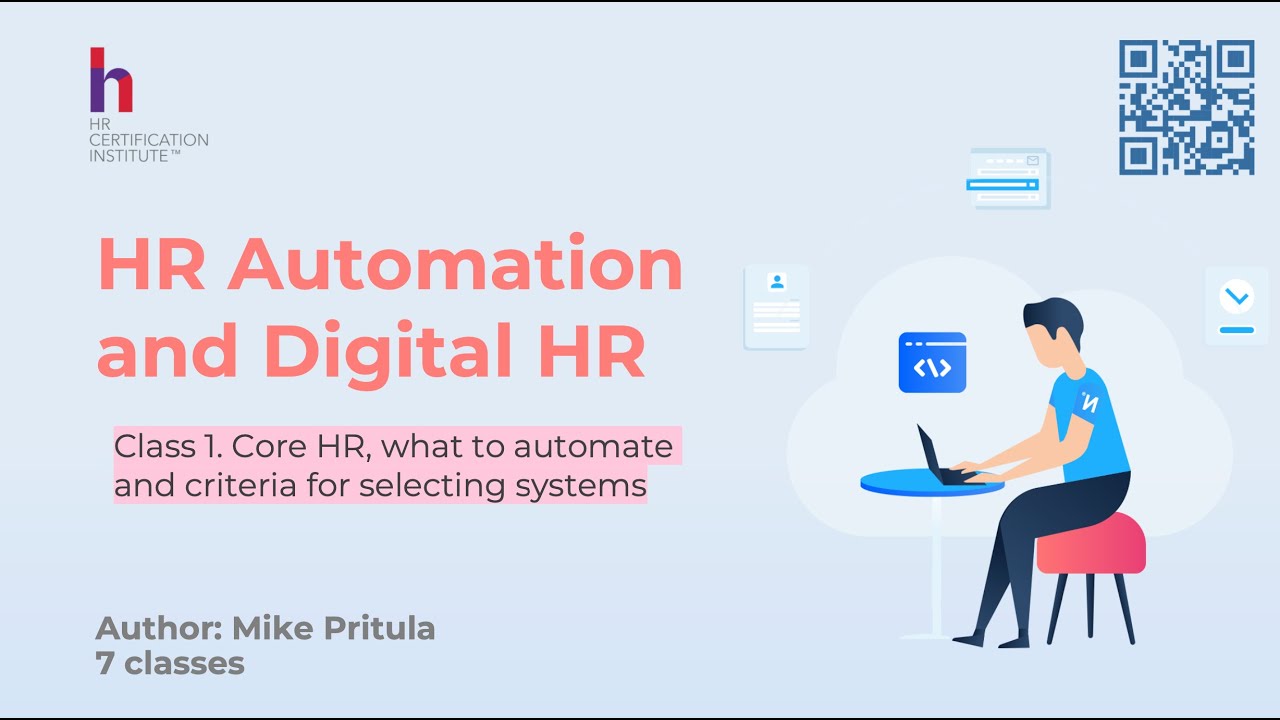
Start with the HR process and the work you need to improve. In seven recorded lessons, Mike Pritula covers the HR technology landscape, system selection, recruitment, performance, learning and employee services. Prepare requirements and a plan for implementation, integration and adoption.
- 7 recorded lessons
- HR system requirements and selection
- Implementation and adoption planning
- Homework review
- Diploma
 By Mike Pritula — No. 1 HR instructor on Udemy, 21 years in HR
The job in front of you Sound familiar?
HR repeats manual steps across spreadsheets and systems that do not share data.
Vendor demos look convincing, but you have no common criteria for comparing them.
You need a business case that includes implementation costs and expected benefits.
A system has been bought, but managers and employees rarely use it.
What you will have after the course
Automation priorities
List HR processes, identify manual work and decide what should be automated first. Connect the priorities with business needs.
A system selection brief
Define requirements, compare vendors and plan demonstrations around your processes. Consider integrations, total costs and a pilot before making a choice.
An implementation and adoption roadmap
Plan data migration, testing, launch communication and training. Define how to track adoption and review whether the system helps the business.
Start today, for free
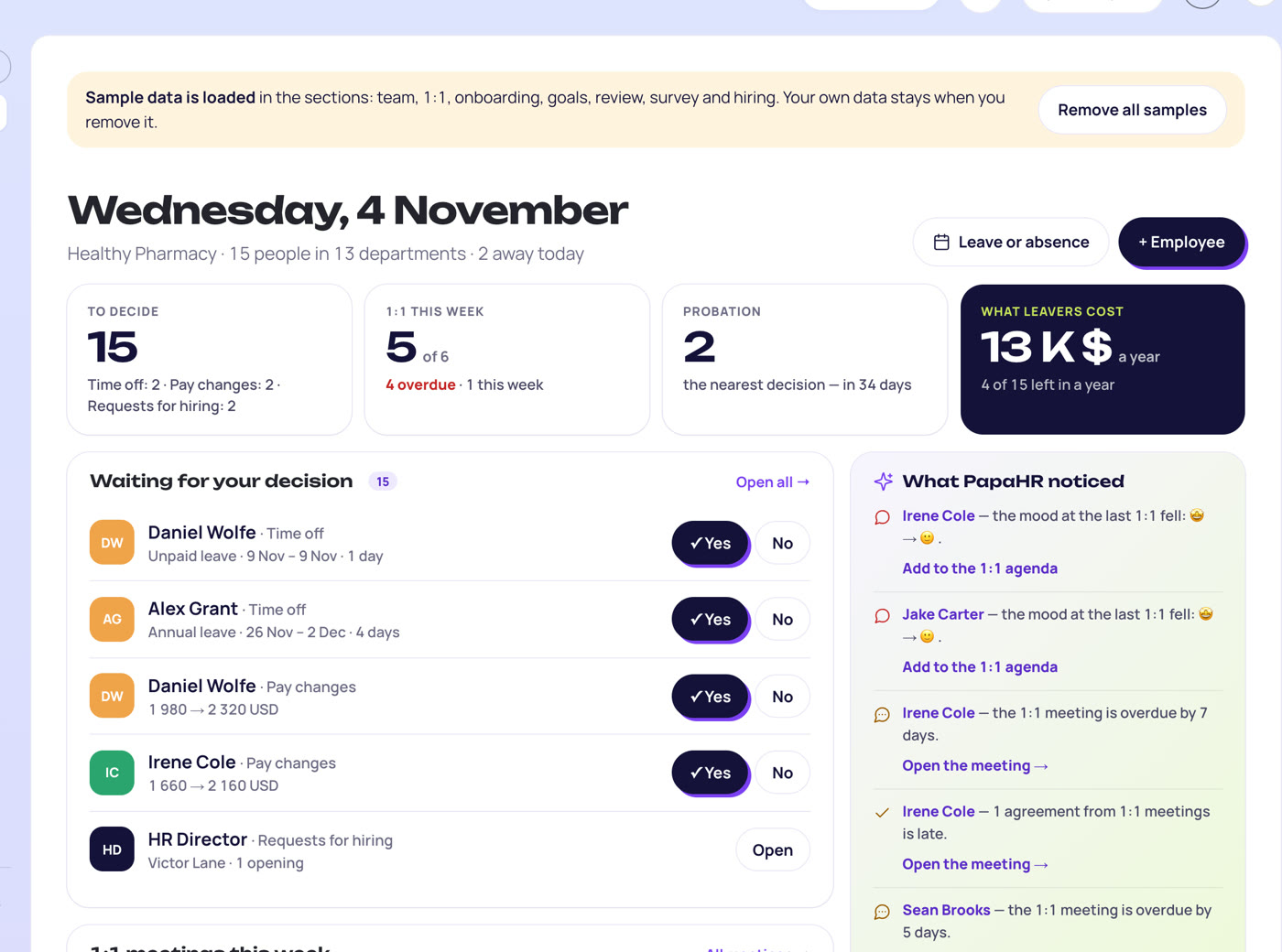
PapaHR's free small-business HRIS comparison uses core HR cost for a team of 20 and explains that PapaHR is its own product, including its limits. Use the comparison alongside the course to practise choosing criteria before shortlisting systems.
- PapaHR Free supports up to 25 employees with employee cards, an org chart and time off.
- Free also includes onboarding, surveys, the knowledge base, checklists and a dashboard with decisions to make.
- PapaHR Pro adds hiring, performance reviews, 1:1 meetings and pay.
Tools you get in the course
HRIS selection checklist
Turn HR needs into criteria for evaluating system features, usability and price.
Lesson PDFVendor comparison matrix
Score systems against the same requirements before discussing a choice.
Lesson PDFLMS selection checklist
Review learning paths, content, integrations, reporting and the learner experience.
Lesson PDFAutomation business case guide
Compare expected benefits with costs when preparing an automation proposal.
Lesson PDFHR system rollout procedure
List processes, compare options, budget the project and present it to leaders and employees.
Lesson PDFHR AI opportunity planning matrix
Describe a process, a possible AI solution and the benefit for HR and employees.
Lesson PDFWho this course is for
HR generalist
wants to reduce manual work and choose a suitable HR system
HR director
needs priorities, requirements and a case for investment
HR operations specialist
is preparing system selection, migration or rollout
People operations manager
wants connected employee services and stronger system adoption
Program
01
01 · Lessons 1–2
Map the needs and choose the core system
Review the HR technology landscape and prioritise processes. Define Core HR requirements, compare vendors, prepare a demo scenario and consider total cost and a pilot.
- 1HR Tech Landscape and Automation Strategy
- 2Core HRIS and How to Buy HR Systems
Result: An automation priority list and requirements for choosing an HRIS.
02
02 · Lessons 3–4
Design recruitment and performance workflows
Map the recruitment process from a vacancy to onboarding. Review scorecards, scheduling and recruiting analytics, then connect goals, feedback, reviews and engagement in a digital performance cycle.
- 3ATS and Recruitment Automation
- 4Performance and Engagement Systems
Result: Workflow requirements for recruiting and performance systems.
03
03 · Lessons 5–6
Plan learning and employee services
Compare LMS and LXP needs, learning paths, content and integrations. Design an employee entry point for HR requests, self-service, knowledge and communications.
- 5LMS and LXP
- 6Digital Workplace and HR Service Delivery
Result: Requirements for a learning system and a clear route to employee HR services.
04
04 · Lesson 7
Implement, connect and build adoption
Integrations, Implementation, and Adoption
Map data ownership and integrations. Plan migration, testing, permissions and launch. Involve stakeholders, train users and track adoption and automation benefits.
Result: An implementation roadmap with owners and measures of system use.
Your profile after the course
What you can add to LinkedIn and your CV — and what this work pays.
Your Name
HR Operations Specialist · HRIS selection and automation
Experience
Identified automation priorities, defined system requirements and compared vendors. Prepared an implementation roadmap with migration, launch and adoption measures.
Licenses & certifications
HR Automation — Mike Pritula AcademyDiploma after the course
Skills
- HR Process Analysis
- HRIS Requirements
- Vendor Evaluation
- HR System Implementation
- User Adoption
Medians in the U.S.; pay depends on country, company and experience. * U.S. Bureau of Labor Statistics, May 2025
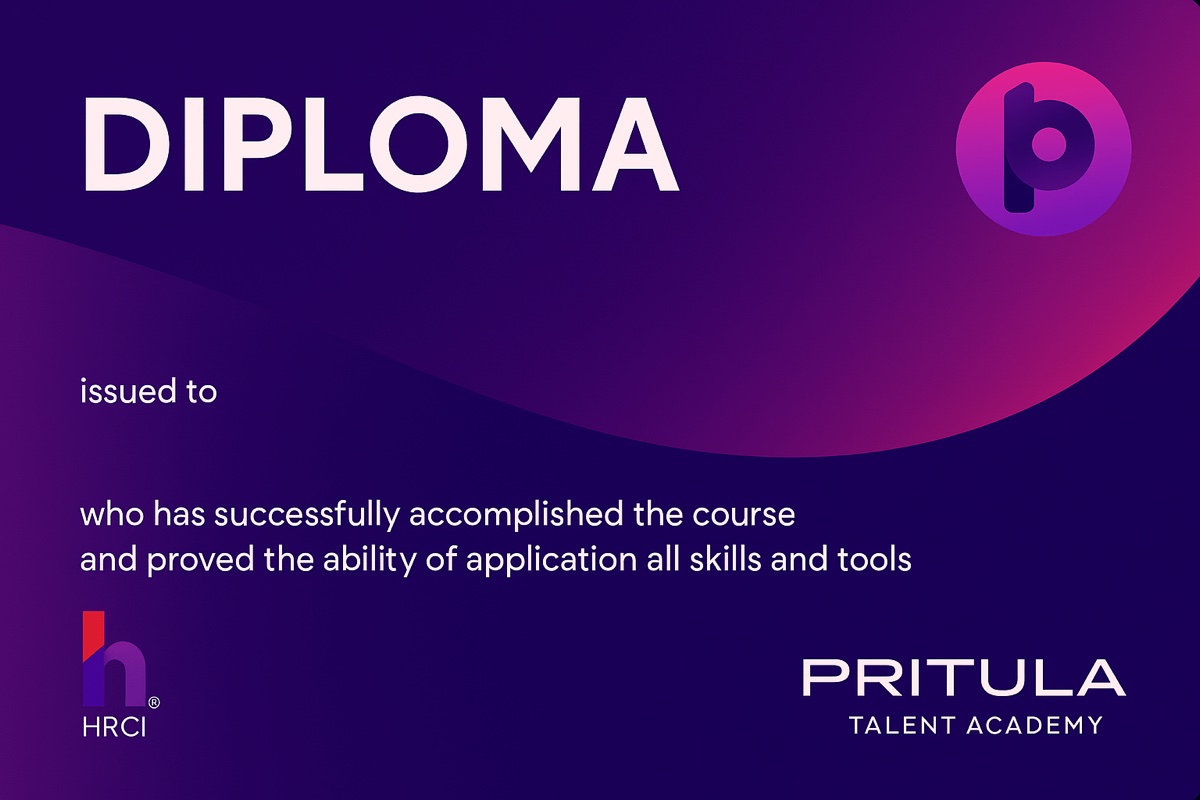
Your diploma after the course
Complete the course assignments and get a personal diploma of Mike Pritula Academy.
- Add it to Licenses & certifications on LinkedIn
- Every diploma has its own unique code
- The QR code on the diploma opens its online version
- Issued on Accredible, the platform Google, Udacity and Rosetta Stone use for their certificates, so it cannot be forged
- Map the needs and choose the core system
- Design recruitment and performance workflows
- Plan learning and employee services
- Implement, connect and build adoption
Learn from your phone
Recorded lessons fit into your day: on the way to work, at lunch or in the evening.
- 7 recorded lessons — watch at any time
- A year of access, at your own pace
- Selection and implementation tools in the PDF slides
- Homework review and Diploma after completing the assignments
Mike Pritula
Founder of Mike Pritula Academy and PapaHR
Mike Pritula founded the academy and built PapaHR, the HR system where the templates of his courses work for real companies. The playbooks are his own HR practice, step by step.
What graduates of the academy say
Graduates of related Mike Pritula Academy courses, from the surveys they fill in when they get the diploma.
“When I took the course, I wasn't employed yet; I just wanted to enter the IT industry. After this course, my dream came true. I gained many insights and tools that I have already applied in my work process.”
Course: HR Management in IT · Profile on LinkedIn
“I now clearly understand the strategic value of AI tools for my role and the company as a whole — for example in recruitment, efficiency and talent retention.”
Course: AI in HR · Profile on LinkedIn
“It helped me look at HR systematically — as a business function rather than a set of separate processes. What’s especially valuable is that every topic was backed by practical tools, calculations and real management cases, so I could apply it at work straight away.”
Course: HR Generalist · Profile on LinkedIn
“I think every HR person in any role should take this course to understand how much subjectivity there is in our work. The homework is highly relevant to an HR person’s everyday challenges at work.”
Course: People Analytics · Profile on LinkedIn
Price
for one person, access for a year
- 7 recorded lessons
- System selection, business case and implementation tools in the slides
- Homework review
- Diploma
a year for one person
- All 150+ courses of the academy, this one included
- All playbooks, now and new ones
- Homework review and certificates
- PapaHR Pro for up to 50 employees
a year for a team of up to 10 people
- Everything in the annual subscription
- For up to 10 people of your team
- PapaHR Pro for up to 200 employees
Questions
Do I need to know how to code?
The course explains system requirements, APIs, integrations and implementation for HR professionals. The programme also covers automation without developers.
Does the course help me choose an HRIS?
Yes. It covers requirements, shortlists, vendor scoring, demo scenarios, costs and pilots. The lesson materials also contain selection criteria and a comparison matrix.
Is buying a system the end of the project?
Implementation is a separate part of the course. It covers migration, testing, training, launch communication and measures of adoption.
Can I try HR software alongside the course?
PapaHR Free supports up to 25 employees with employee cards, an org chart, time off and other HR features. The free comparison page also helps you compare small-business HRIS options.
Do I get a Diploma?
Yes, after completing the course assignments. Homework is reviewed.
What does the annual subscription give?
All 150+ courses of the academy for a year, including this one. You can study the recorded classes at your own pace. The team subscription covers up to 10 people.